
If you’re like me, you do informal assessing all the time, but the formal not so much. Students respond chorally in Spanish, interact in pairs and small groups, but seldom get that one on one attention and feedback in a large class setting. My Spanish 2 classes are usually 30 kids, and even one of my IB Spanish classes had 30 last year. If only there were a fast and easy way to get students more individual feedback on their speaking…
Oh wait! There is! Snorkl is one of my very favorite AI tools because it really meets some needs I haven’t found any other tool for. Read on if you want to know why!
One of the areas my students need the most help is with speaking proficiency. Snorkl allows you to give linguistic and visual prompts for the students to respond to orally but also in writing or drawing if you wish. Again, this is not a replacement for your valuable individualized feedback and attention, but it is a tool to give students more individualized feedback than you possibly could. It can also be very helpful for students who want even more feedback, as they can do multiple attempts and get more feedback.
You get 20 free activities, which I have found to be plenty. Each time you assign an activity (even the same activity to a different class) counts. But don’t worry – you can delete them when you’re finished to make room for more!
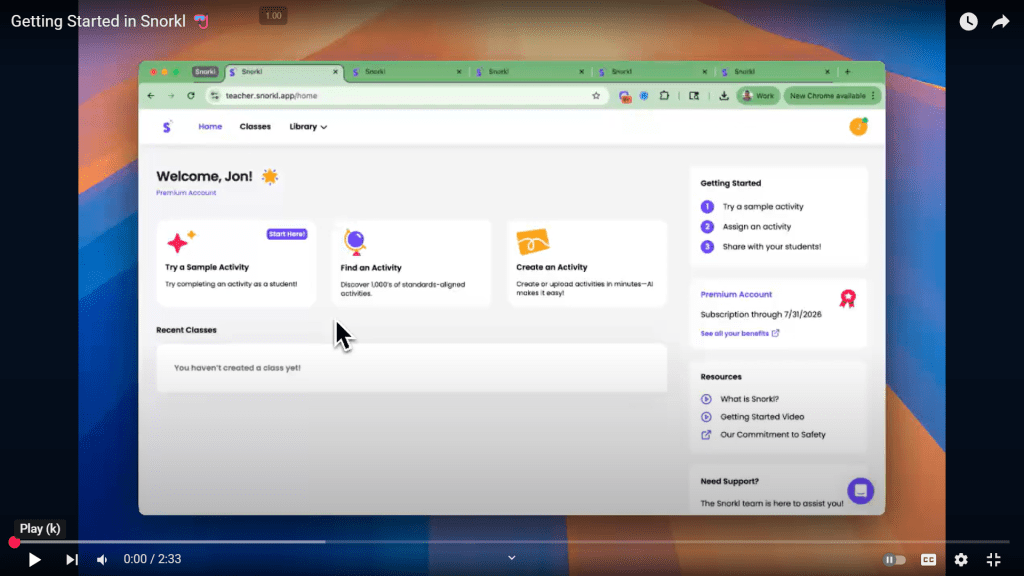
Here is a 2 minute video made by Snorkl to get you started. It really is very simple to figure out!
Show me some examples!
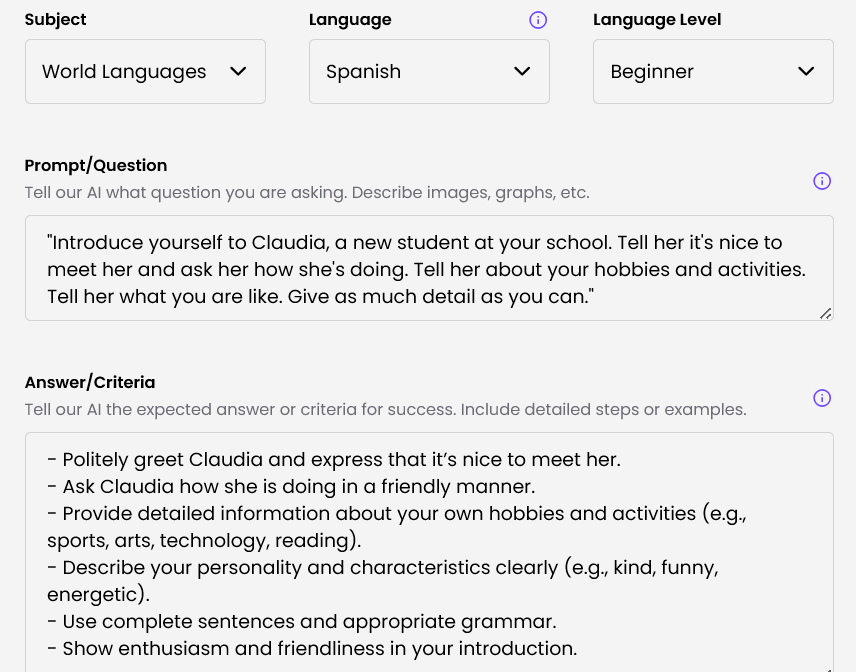
This is the teacher side where I included the instructions/prompt. I could have created the answer/criteria of what I was looking for, but I let AI generate it based on 1. my prompt and 2. the images I uploaded. It did a nice job, don’t you think? Also, if I wanted to I could modify the criteria AI created.
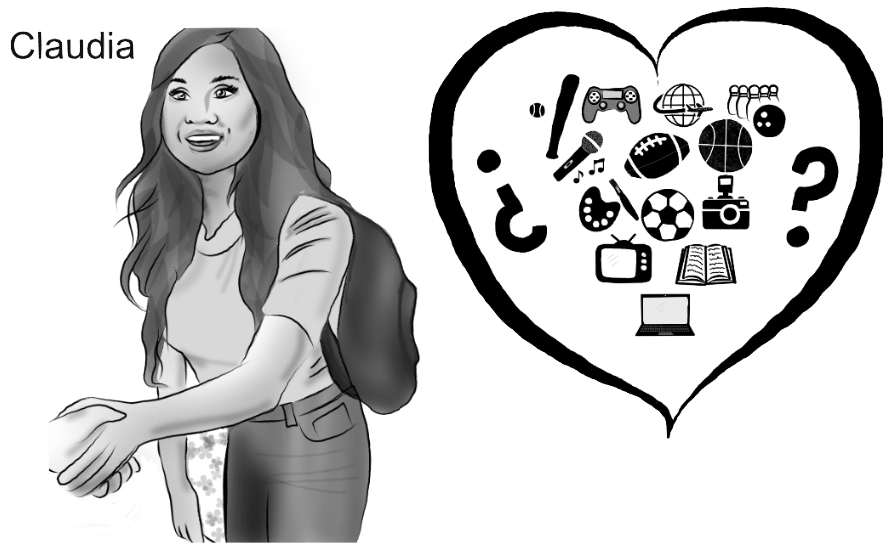
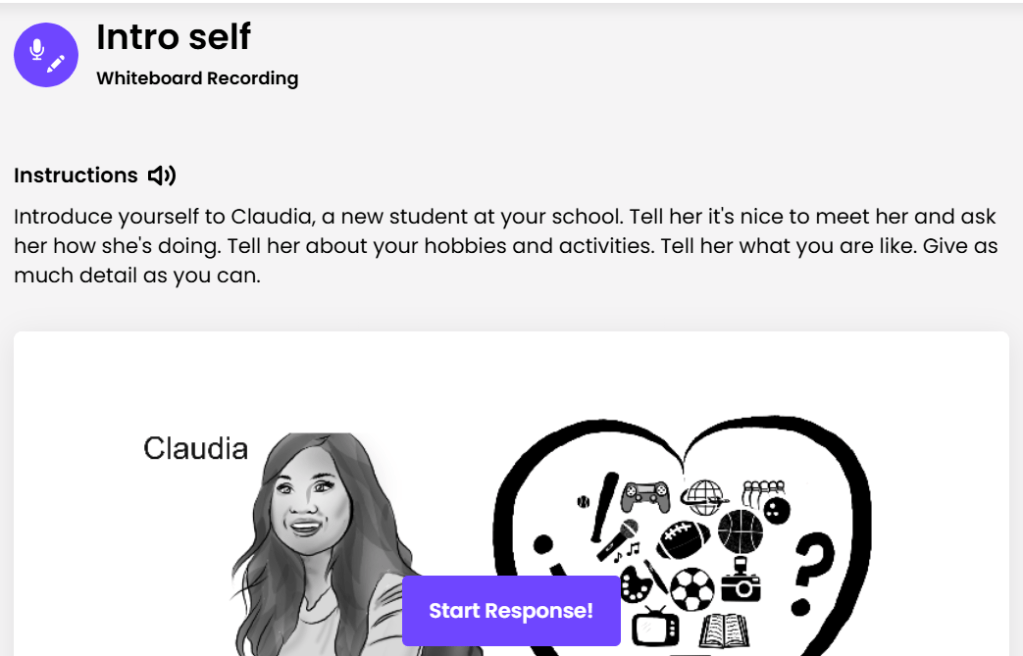
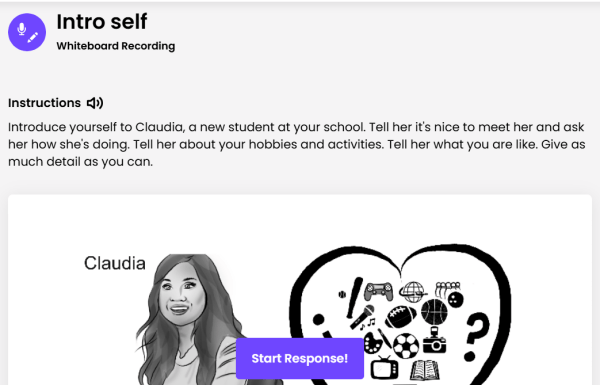
This is what the students see. They will record an audio response and can mark on the whiteboard as they go if desired. The result will be a video where I can hear what they say AND see what they write/draw as they go. It will also provide captions for what they are saying!
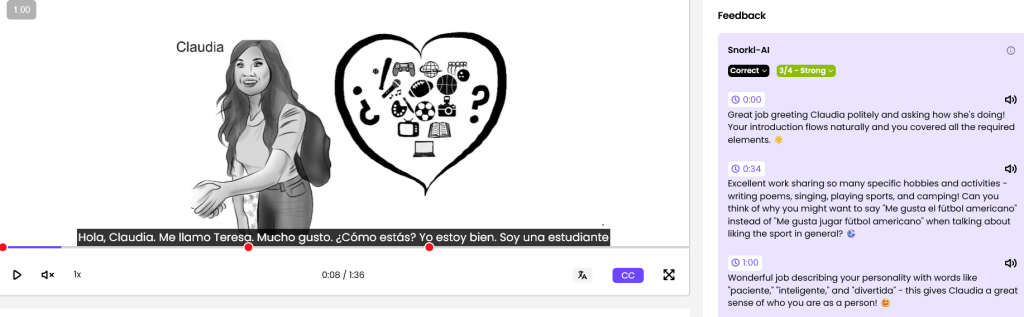
Here is an example of a student response. Notice there are captions so students can see how their speech was interpreted and there is feedback in the purple.
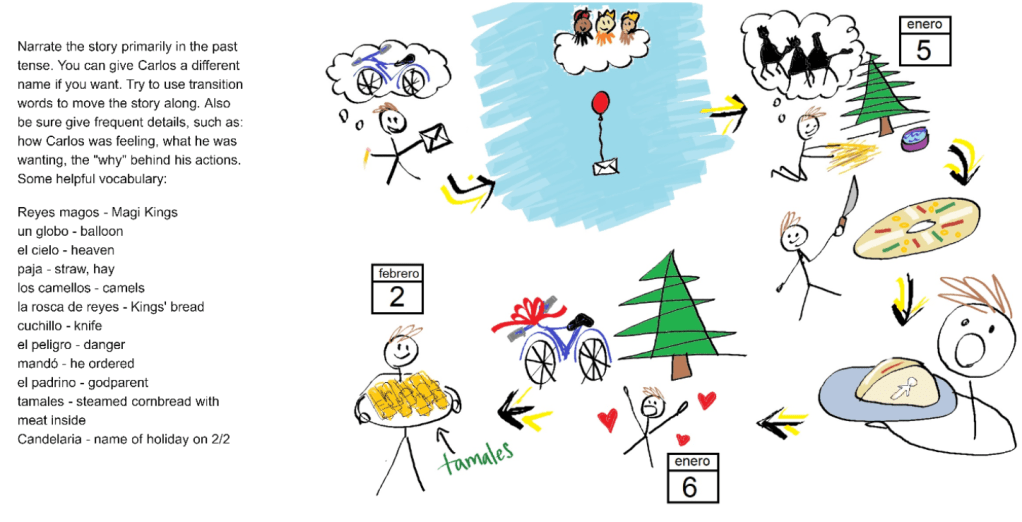
Here is another assignment I created. I narrated this story using the image for my class to teach them about El Día de los Reyes Magos. Then, I had them retell the story in their own words in Spanish.
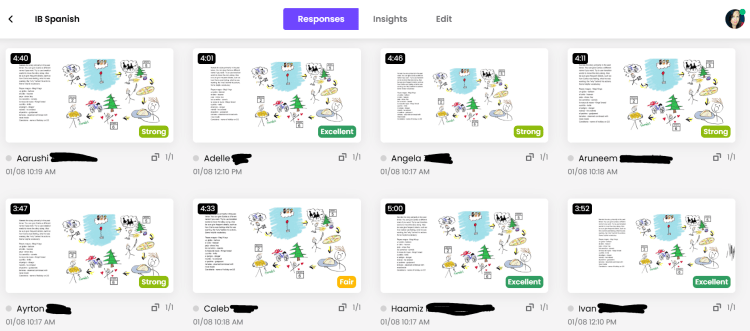
Once they completed the assignment, as a teacher I could see their responses at a glance under “responses” (below). I can also see “insights” to get an overall feel of how the class did and what they need to work on (right).
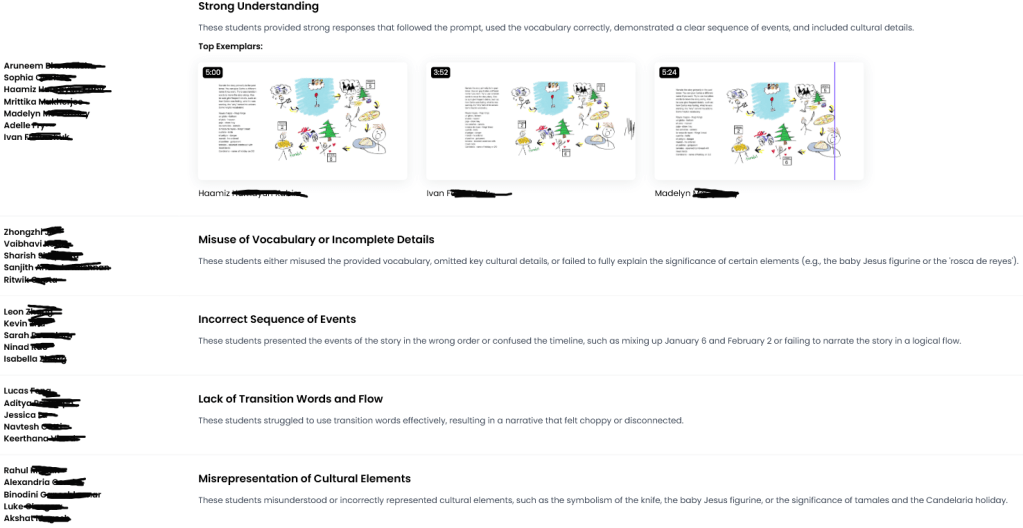
Bonus use of Snorkl: Reading/listening comprehension
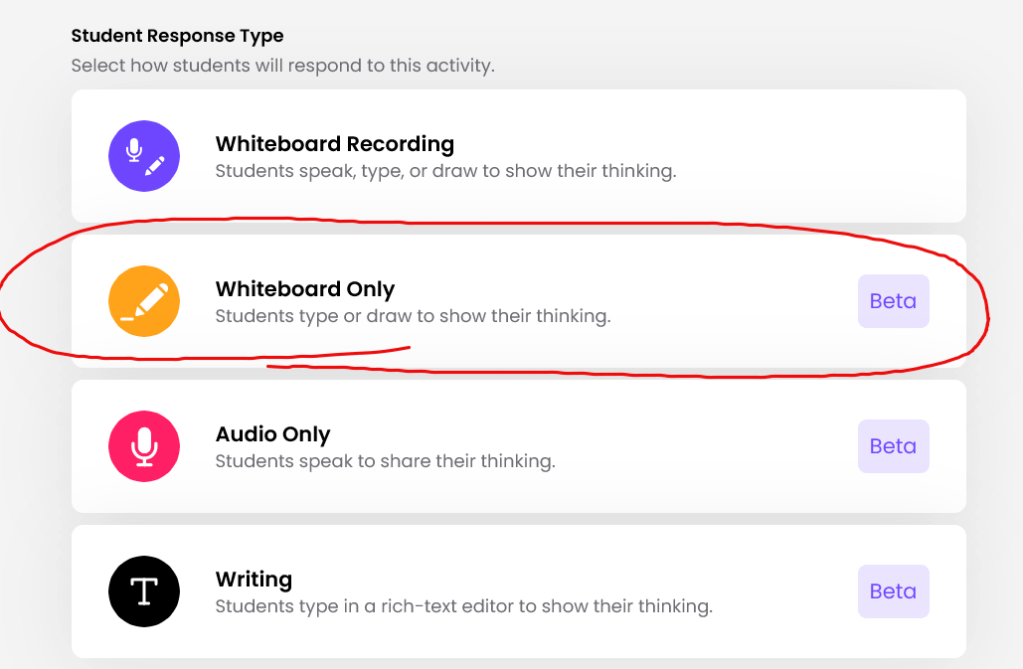
When you create the assignment, select “Whiteboard only” and instead of recording audio, students draw/write their response. You can let them see the text prompt OR just play an audio/read it aloud for them to hear. Then in the answer/criteria you just paste the transcript so Snorkl knows how to assess them. I’ve included a strong response here for the story below.
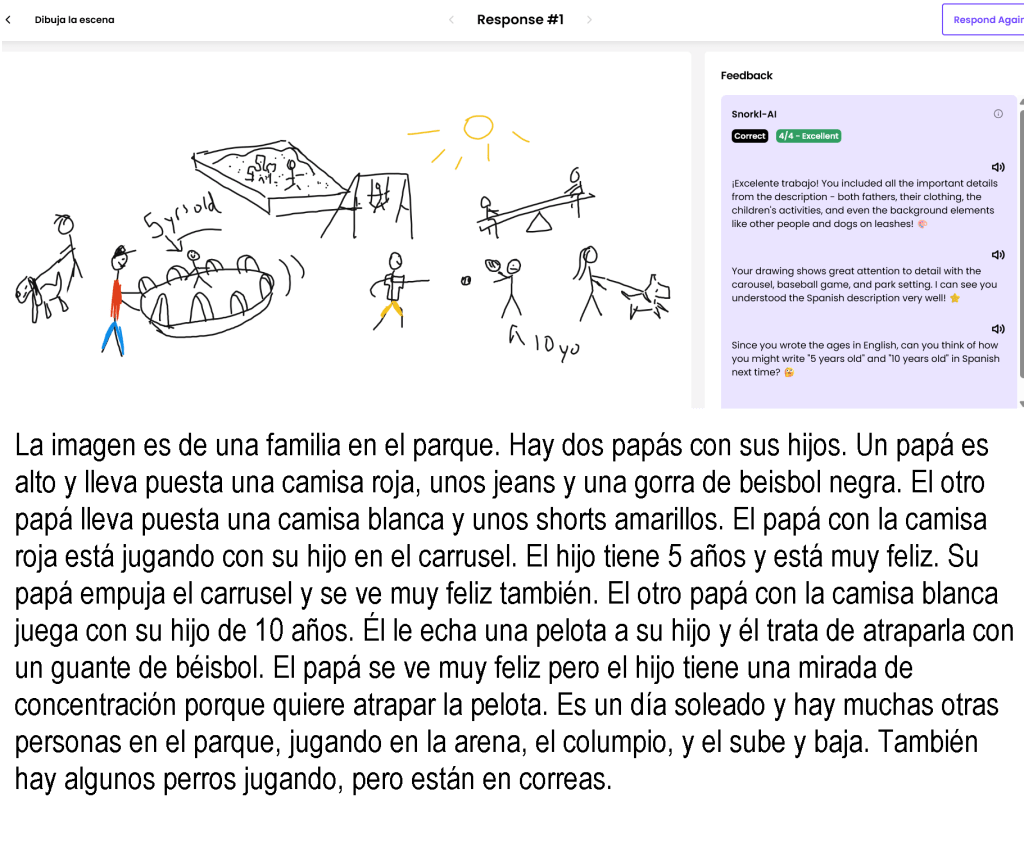
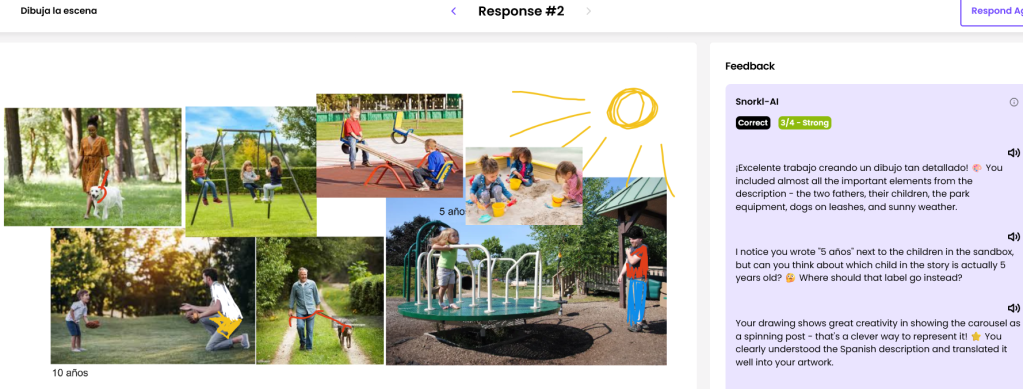
I love to have them draw while I either narrate a story or play an audio and for them. But to get individualized immediate feedback on the accuracy of their drawings? Who wouldn’t love that! Also doing it digitally, they can also copy/paste images in addition to drawing, or label their drawings. I have found it interprets their drawings more accurately than pasted images.
How will you use Snorkl? Let me know in the comments!
 Storytime con Sra. Jensen
seems like a great tool- definitely worth checking out! I love that you showed examples.
LikeLiked by 1 person
It really is – let me know what you think!
LikeLike